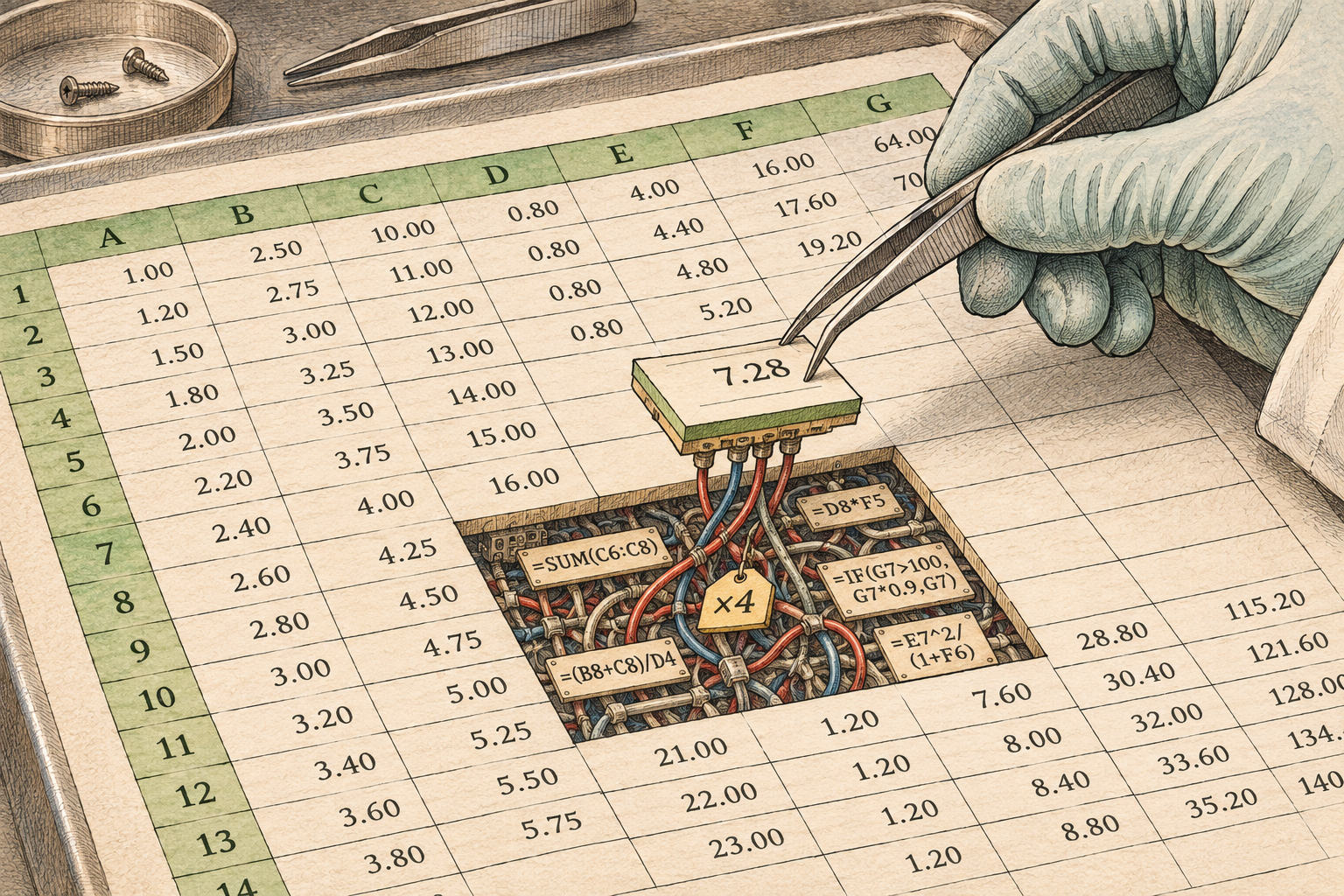
Like Dr. Drang, I also hate spreadsheets. Well, okay, that’s not fair. His post is titled My rules for using spreadsheets, although his tl;dr is “don’t.” After thoughtfully walking through their issues, he identifies an exception I also agree with:
When the problem is both small enough to see on the screen with almost no scrolling and the operations are simple enough to be easily understood without counting commas and parentheses.
To me, this is analogous to how PowerPoint is best when used as a projector operating system: Excel is best thought of as tableOS. It is excellent at storing and displaying tabular data, but my simple rule is that if it’s doing calculations you can’t sanity-check at a glance and easily confirm by hand, then it’s too complicated.
In my experience, spreadsheets (yes, including mine) that violate this tenet always have errors. My favorite anecdote is from a college internship. My mentor (nameless here, but RIP 😢) had modeled a very complex thermodynamic system in Excel and asked me to make changes. I’m me, so I went through every formula and found one to calculate the change in enthalpy across a cryogenic hydrogen pump that included a mysterious factor of four. I stared at it for a bit, befuddled, before gathering enough courage to ask what I was missing. Then he stared for a bit before responding with something akin to: “Yeah, I think that’s just wrong. Not sure what I was thinking, but that explains why I haven’t been able to get this to close for a bit. Thanks!”
First, what an incredibly gracious response. He was mildly chagrined, but didn’t take it out on me — he thanked me. (This seems like the obviously appropriate response, but work for a while and see how common it is.) It encouraged me to speak up when I didn’t understand something and to be unafraid of more senior engineers. (Of course, nine out of ten times, it’s my misunderstanding, but every once in a while…it’s a mistake.)
But to bring this back to spreadsheets, this error was incredibly hard to find because the underlying equation wasn’t immediately visible. It was buried behind a number, in the formula for a cell, which was displayed by Excel as a single flat line with no formatting and cell references instead of variable names. This story is from 2001(ish), so Microsoft’s inability to improve the situation suggests either that the problem is intractable or that they’re bad at making software.1
The right solution has been the same for decades: complicated calculations should be done in code, where they’re easily inspected, the methodology can be cleanly separated from the inputs, and well-written code makes wrong code look wrong. Code is also well-supported by version control. Sure, you can check in a spreadsheet as a binary blob, but with Git we could have bisected that pump calculation to figure out when that factor of four was introduced and perhaps understand why.2
Spreadsheets are an incredibly accessible tool, which is why they became the programming language of choice for folks who’d swear on their lives (incorrectly) that they didn’t know how to code. But perhaps the most empowering aspect of AI is that it means anyone can benefit from custom software without having to write code directly. It’s an exciting future and, one can hope, the beginning of the end for MS Office.